 how-to
Preventing Solar Panel Hot Spots: A Step-by-Step Guide
Last Updated: October 23, 2026
Quick Summary
Preventing solar panel hot spots requires regular cleaning, visual inspections, and monitoring power output to catch problems early. Hot spots form when partial shading, debris, or damaged cells disrupt electrical current flow, causing localized overheating that degrades panel performance and lifespan.
- Partial shading is the leading cause of hot spots, triggering reverse bias conditions in series-connected cells.
- Clean panels every 3-4 months in dry areas and every 2-3 months in high bird activity zones using soft brushes and purified water.
- Thermal imaging reveals hot spots invisible to the naked eye and should be performed on sunny days above 50°F.
- Monitor your inverter data for 5-10% output drops and string voltage differences indicating potential hot spot formation.
- Call a professional if thermal imaging shows hot spots, cells are cracked, or output drops more than 10% unexpectedly.
Table of Contents
- What Solar Panel Hot Spots Are and Why Prevention Matters
- Solar Panel Hot Spot Causes: Shading, Debris, and Damage
- Solar Panel Hot Spot Symptoms: How to Identify Trouble Early
- Solar Panel Inspection: A Safe, Step-by-Step Process
- Solar Panel Thermal Imaging: Detecting Hidden Hot Spots
- Prevention Strategy: Cleaning and Maintenance
- When to Call a Professional: Repair and System Decisions
- Frequently Asked Questions
What Solar Panel Hot Spots Are and Why Prevention Matters
A solar panel hot spot is a localized area on a photovoltaic cell that overheats and degrades faster than the rest of the panel.
Hot spots form when electrical current becomes unbalanced across a series-connected string of cells. Instead of current flowing evenly, it concentrates in a few cells, forcing them to dissipate power as heat.
The good news: most hot spots are preventable with basic maintenance and early detection. Understanding what causes them and how to spot trouble early protects your investment and keeps your energy output high.
Solar Panel Hot Spot Causes: Shading, Debris, and Damage
Hot spots don't appear randomly. They result from specific conditions that disrupt normal current flow across your solar array. Here are the three main culprits.
Partial Shading and Reverse Bias
Partial shading is the leading cause of solar panel hot spots. When a tree branch, roof edge, building, or even a bird lands on part of your module, it blocks sunlight from reaching one or more cells.
Here's where the physics matters: in a series-connected string, all cells must pass the same electrical current. When one cell is shaded, it can't produce enough current to keep up.
The bypass diode is designed to prevent this. It's a small electrical component built into every modern solar module that redirects current around a shaded cell. But bypass diodes have limits.
Dirt, Bird Droppings, and Soiling
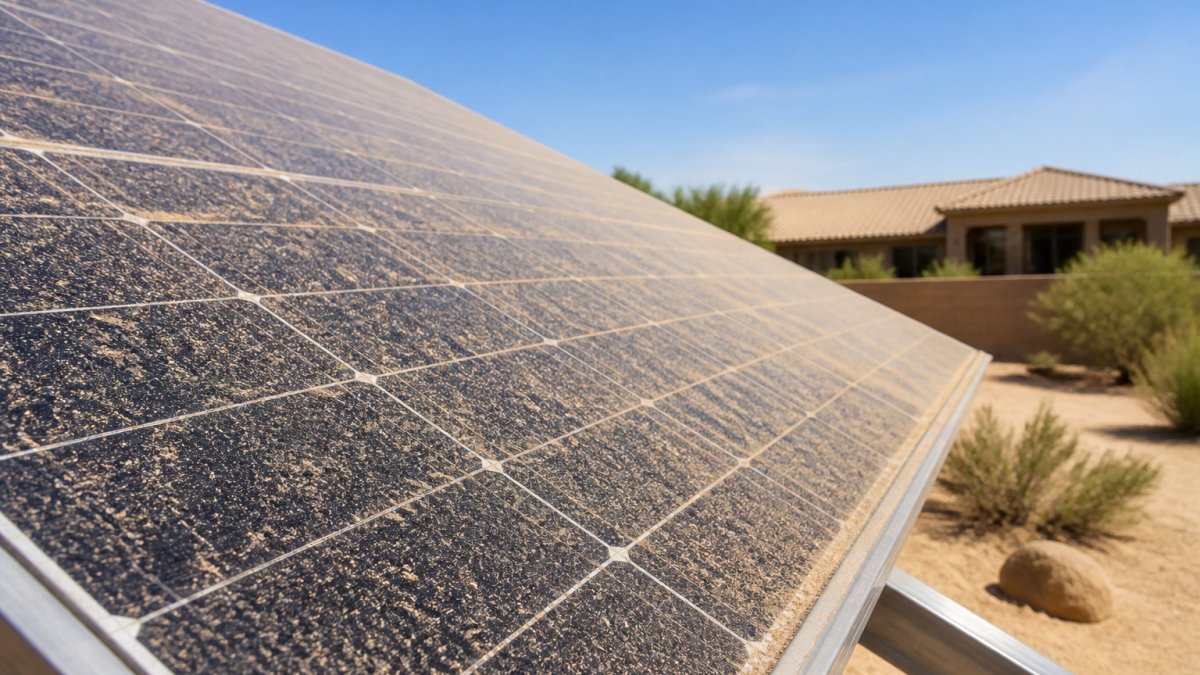
Dust, pollen, bird droppings, and other debris accumulate on solar panels over time. In dry climates or areas with heavy bird activity, soiling buildup happens fast.
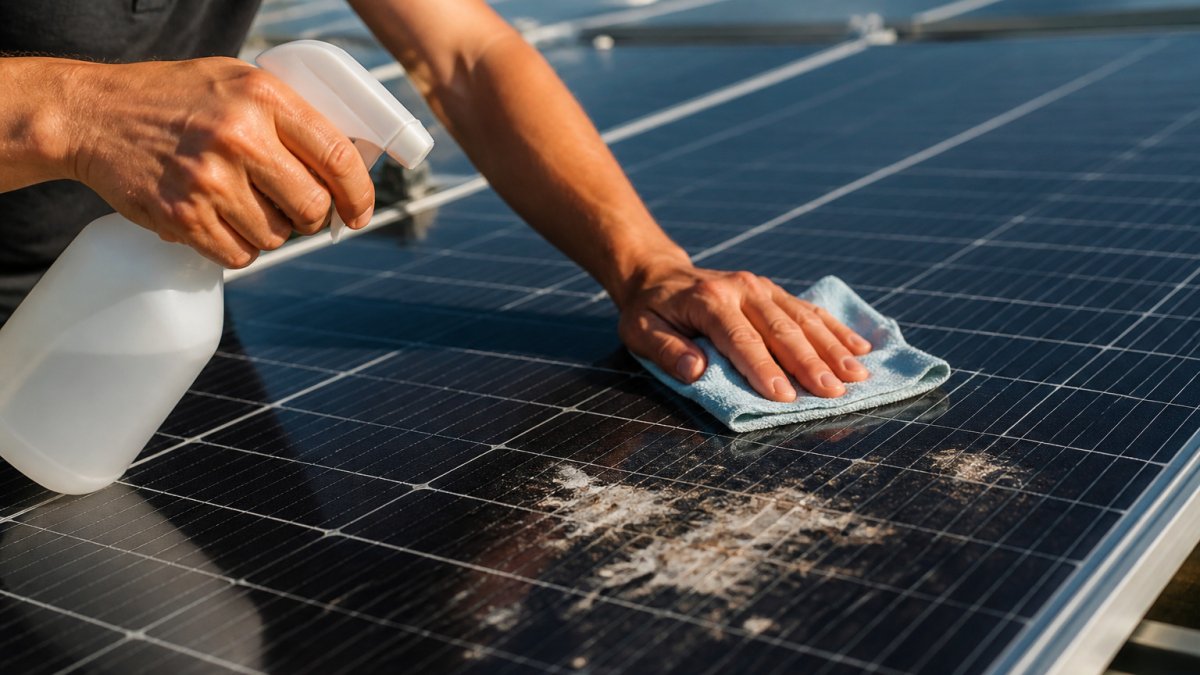
Bird droppings are particularly damaging. They're sticky, acidic, and create dark spots that absorb heat. A single dropping can shade enough of a cell to create a hot spot. Over weeks, multiple droppings compound the problem.
Soiling also reduces overall system performance, but localized dirt deposits create the hot spot risk. That's why regular cleaning prevents both efficiency loss and thermal damage.
Cracked or Damaged Cells
Manufacturing defects, shipping damage, or impact damage during installation can create micro-cracks in silicon cells. A cracked cell has reduced conductivity. Current flowing through it encounters resistance, generating heat. In a series string, a cracked cell can trigger the same reverse bias condition as a shaded cell.
Hail, fallen branches, or improper handling during installation are common causes. Once a cell cracks, it stays cracked. The only fix is module replacement.
Hot spots result from three main conditions that disrupt normal current flow across your solar array.
| Cause | Mechanism | Result |
|---|---|---|
| Partial shading | Shaded cells operate in reverse bias, acting as resistors | Heat dissipation and hot spot formation |
| Dirt and bird droppings | Debris blocks light like partial shading | Reverse bias and localized hot spots |
| Cracked or damaged cells | Reduced conductivity creates resistance | Heat generation and reverse bias condition |
Solar Panel Hot Spot Symptoms: How to Identify Trouble Early
Catching hot spots early stops them from spreading. Here's what to watch for.
Visible discoloration on panels. Hot spots sometimes appear as dark spots, burn marks, or browning on the panel surface.
Uneven heating across the array. On a clear day, all panels in your system should reach similar temperatures.
Buzzing or crackling sounds from the inverter. Hot spots increase electrical stress on the system.
Warranty claims or manufacturer alerts. Modern monitoring systems flag anomalies automatically. If your installer or monitoring service alerts you to a problem, take it seriously.
Solar Panel Inspection: A Safe, Step-by-Step Process
Inspecting your system regularly catches problems before they cause permanent damage.
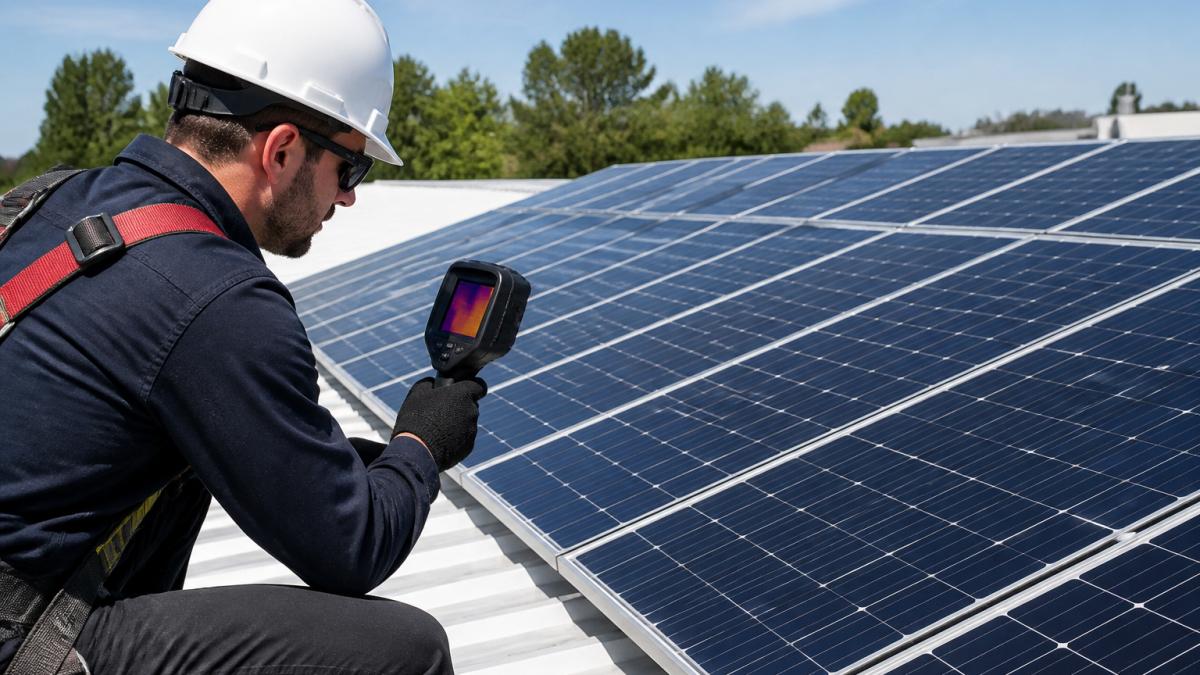
Step 1: Plan your inspection for a clear, sunny day.
Hot spots are easiest to spot when panels are generating power and reaching operating temperature.
Step 2: Use proper safety equipment.
Never climb onto a roof or access panels without fall protection. Wear a safety harness rated for roof work.
Step 3: Perform a visual inspection from the ground first.
Use binoculars to examine each panel from below. Look for:
- Dark spots or burn marks
- Cracks in the glass or frame
- Debris, bird droppings, or leaves
- Loose wiring or connectors
- Visible damage to the mounting hardware
This ground-level check often reveals obvious problems without climbing.
Step 4: Check for shading patterns.
Walk around your property at different times of day. Note any shadows falling on your panels.
Step 5: Document your findings.
Take photos of any concerns. Record the date, time, weather, and specific locations of issues.
Visual Inspection for Debris and Damage
A visual inspection is your first line of defense. From the ground with binoculars, you can spot most problems.
Look for these specific signs:
- Cracks radiating from a central point (impact damage)
- Discoloration or browning (heat damage)
- Dust or pollen buildup (especially on the lower edges)
- Bird droppings (white or dark spots)
- Loose or corroded wiring
- Gaps between the panel frame and mounting hardware
If you find debris, don't spray it off yourself with a hose. High-pressure water can damage seals and push water into the panel. Dry debris like leaves or dust can be gently brushed away with a soft brush. For stubborn deposits, call a professional.
Monitoring Power Output and Performance
Your inverter and monitoring system tell you when something's wrong. Check these metrics regularly:
- Daily output: Compare today's output to the same day last week or last month. Account for weather changes.
- String voltage: If your system has multiple strings, compare voltage across them. A string with 5-10% lower voltage than others may have a problem.
- Temperature readings: Some monitoring systems show module temperature. A module running 10-15°C hotter than others suggests a hot spot.
- Efficiency ratio: Divide your system's actual output by its rated capacity. A drop from 75% to 65% efficiency signals degradation.
Most modern systems send alerts when performance drops. Don't ignore them. A 5-10% drop might seem minor, but it compounds over months and years.
Solar Panel Thermal Imaging: Detecting Hidden Hot Spots
Visual inspection and power monitoring catch obvious problems. Thermal imaging reveals hot spots you can't see with your eyes.
A thermal camera (also called an infrared camera) shows temperature differences across your panels. Hot spots appear as bright red or orange areas against cooler blue or green backgrounds.
Thermal imaging works best when:
- Panels are generating power (sunny day, midday)
- Outdoor temperature is above 50°F
- The sun has been shining for at least 30 minutes (panels need time to reach operating temperature)
A professional solar inspector uses thermal imaging to scan your entire array in minutes. For commercial systems or large solar farms, thermal imaging is essential preventive maintenance.
The images provide a permanent record. You can compare thermal scans year to year to track whether hot spots are growing or staying stable.
Prevention Strategy: Cleaning and Maintenance
The best hot spot is one that never forms. Prevention starts with keeping your panels clean and your system well-maintained.
Safe Cleaning Methods and Frequency
Dirt and debris are easy to prevent with regular cleaning. But improper cleaning damages panels and can void warranties.
What NOT to do:
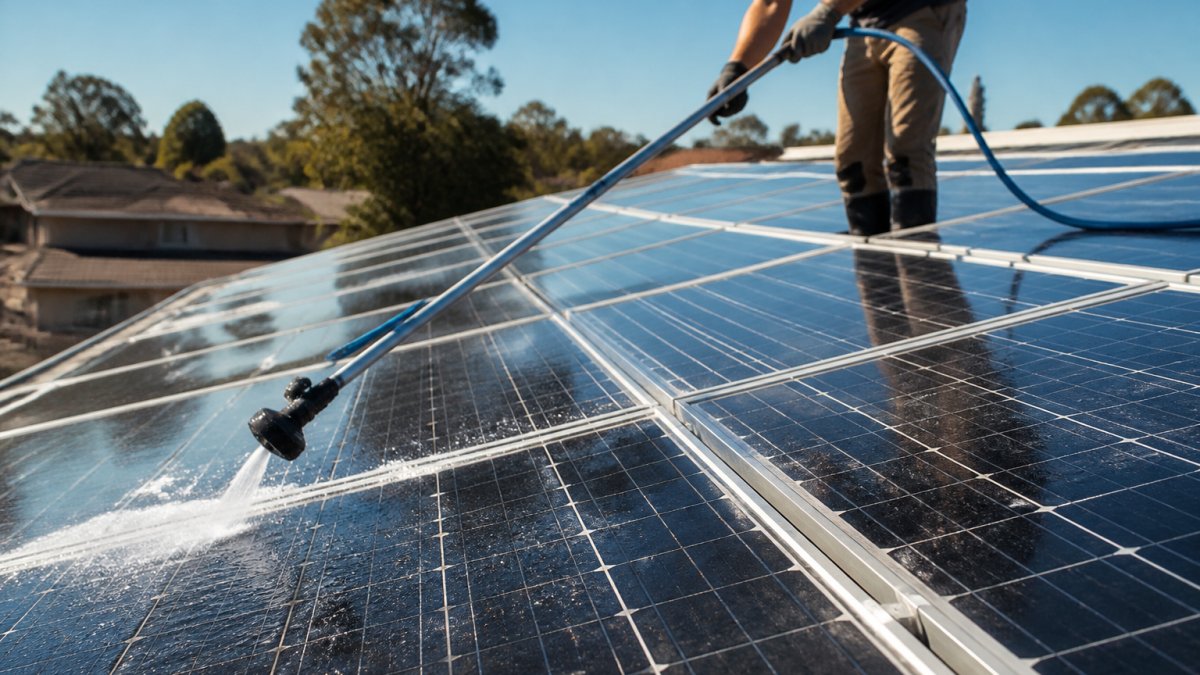
- Don't use high-pressure washers. They force water into panel seals and can crack glass.
- Don't use abrasive scrubbers or harsh chemicals. They scratch the protective coating and degrade performance.
- Don't clean in direct sunlight. Temperature shock can stress the glass.
- Don't walk on panels unless absolutely necessary. Even soft-soled shoes can damage the surface.
Safe cleaning methods:
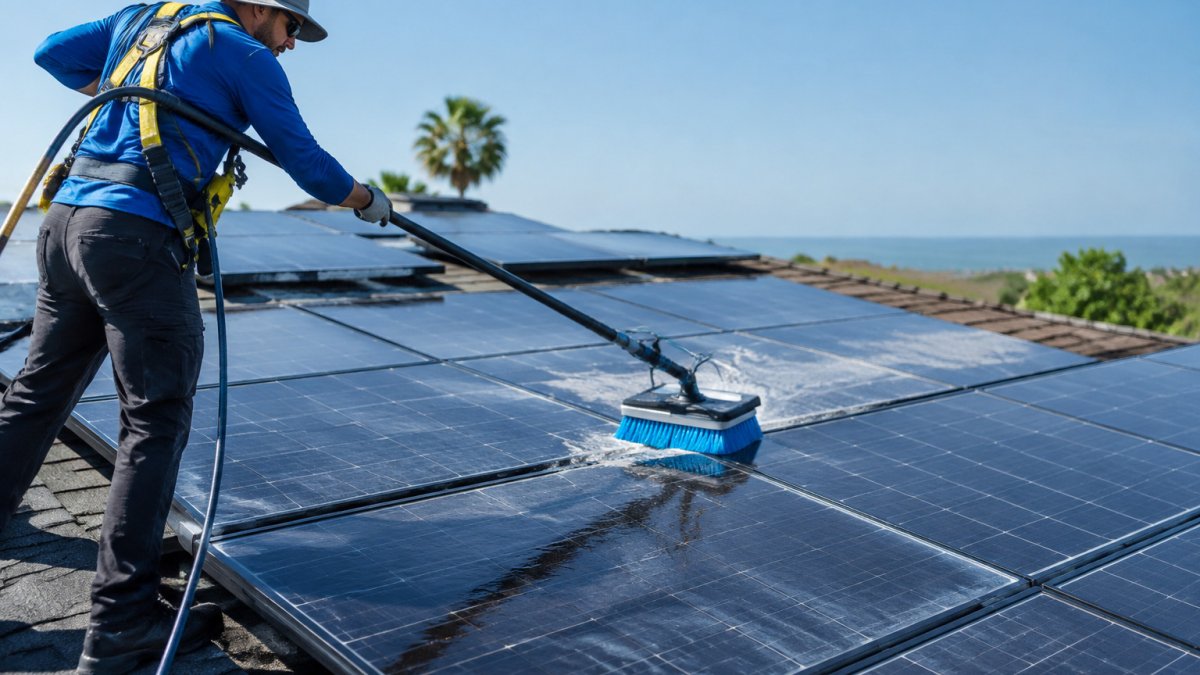
- Use purified or deionized water with a soft-bristle brush or mop. Tap water leaves mineral deposits that reduce light transmission.
- Clean early morning or late afternoon when panels are cool.
- Work from the ground with an extended pole if possible. Avoid climbing onto the roof.
- Rinse gently with low-pressure water or let rain do the work.
- Dry with a soft cloth to prevent water spots.
Cleaning frequency depends on your environment:
- Dry, dusty areas: every 3-4 months
- Areas with heavy bird activity: every 2-3 months
- Coastal areas with salt spray: every 2-3 months
- Rainy climates with regular precipitation: every 6-12 months
- Urban areas with moderate pollution: every 6 months
Regular cleaning prevents soiling from accumulating and reduces hot spot risk significantly.
Why Professional Cleaning Protects Your Investment
DIY cleaning works for small residential systems in accessible locations. But professional cleaning offers advantages that justify the cost.
At Mr Clean Solar Cleaning, our OSHA-trained team uses ultra-pure deionized water and specialized soft-bristle systems engineered for solar glass.
Professional cleaners also inspect your system during cleaning. We spot early signs of damage, loose wiring, or mounting issues that you might miss. We provide detailed performance reports.
For commercial systems and large solar farms, professional maintenance is essential. It ensures consistent performance, protects your warranty, and prevents hot spots from forming in the first place.
When to Call a Professional: Repair and System Decisions
Some problems require professional expertise. Know when to call.
Call a professional if:
- Thermal imaging reveals hot spots
- Visual inspection shows cracked or damaged cells
- Your system's output has dropped more than 10% without explanation
- You notice buzzing or crackling from the inverter
- Wiring appears loose, corroded, or damaged
- You're unsure whether cleaning is safe for your specific system
A certified solar technician can diagnose the problem, determine whether repair or replacement is needed, and handle the work safely. Attempting complex repairs yourself risks electrocution, roof falls, or warranty violations.
For minor issues like soiling or loose debris, professional cleaning solves the problem and prevents hot spots. For cracked cells or severe damage, module replacement is usually the only option.
Hot spots threaten your solar investment. But they're preventable with regular inspection, proper cleaning, and early intervention.
Frequently Asked Questions
What causes hot spots on solar panels?
Hot spots form when part of a solar panel cell generates more heat than surrounding cells. This happens due to partial shading, dirt or bird droppings blocking sunlight, cracked cells, or poor electrical connections. When a shaded cell receives less current than its series-connected neighbors, it enters reverse bias, forcing it to dissipate power as heat instead of producing it. Bypass diodes help protect the module, but a persistent hot spot can still degrade the panel and reduce energy production over time.
How can you prevent hot spots on solar panels?
Prevent hot spots by maintaining a clean solar array free from debris and soiling, ensuring proper installation without shading from trees or structures, and scheduling regular professional inspections. Remove dirt, dust, and bird droppings through safe cleaning methods using purified water and soft-bristle systems, never pressure washers. Monitor your system's power output monthly and use thermal imaging annually to catch temperature anomalies early. Professional maintenance protects your panels from degradation and keeps your system performing at peak efficiency.
Can dirt or bird droppings cause solar panel hot spots?
Yes. Dirt and bird droppings create localized shading on individual photovoltaic cells, blocking sunlight and reducing current flow. This forces the shaded cell into reverse bias, causing it to overheat and dissipate power as thermal stress. Even small spots of soiling can trigger a hot spot. Regular panel cleaning removes this debris before it accumulates and causes damage. Professional cleaning using deionized water and certified techniques safely restores your panel surface without scratching the glass or voiding your warranty.
How do you know if a solar panel has a hot spot?
Signs include a sudden drop in your system's power output, visible discoloration or dark patches on the panel surface, or a noticeable decrease in energy production without weather changes. Thermal imaging with an infrared camera reveals hot spots as areas with significantly higher cell temperature than surrounding cells, typically 10-20°C above ambient temperature. Professional thermal inspection using a thermal camera is the most reliable detection method. If you suspect a hot spot, contact a certified solar maintenance specialist to assess your module and recommend repair or replacement.